 Troop Campfire
Leader roles in Campfire control what a member can see and manage within your troop. This article explains how to assign or change a member's role, and which roles are available for each organization type.
How to assign a role
- Open troopcampfire.app and go to Members.
- Tap a member's name to open their profile.
- Find the Roles card on their profile and tap it to open the role editor.
- Tick the roles that apply. Available roles depend on your organization type.
- Save. The role updates immediately and affects what that person can see and do in Campfire.
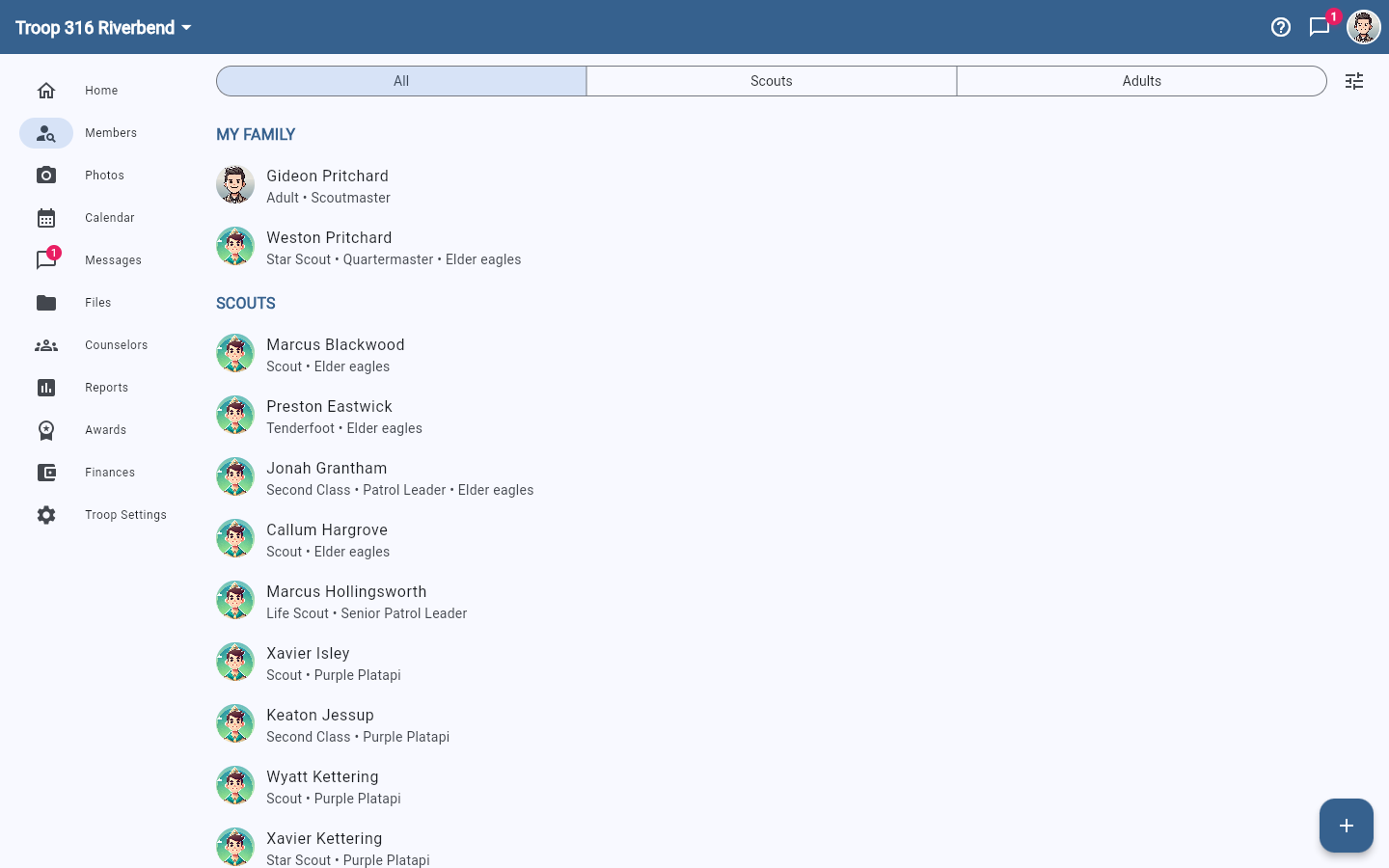
The All, Scouts, and Adults filters across the top help when you are working through the adult roster specifically — most role assignment is adults.
Common leader roles
- Scoutmaster — full access to all troop management features (Scouts BSA)
- Assistant Scoutmaster — same access as Scoutmaster for most features (Scouts BSA)
- Committee Chair — can manage settings, billing, and the member roster
- Treasurer — billing and financial record access
- Rank Advancement Chair — can update and approve advancement records
- Skipper — full access (Sea Scouts; equivalent to Scoutmaster)
- Mate — assistant adult leader (Sea Scouts; equivalent to Assistant Scoutmaster)
- Boatswain — top youth leader (Sea Scouts; equivalent to Senior Patrol Leader)
- Crew Leader — leads a crew within the ship (Sea Scouts; equivalent to Patrol Leader)
Campfire seeds default roles for Scouts BSA, Cub Scouts, Venturing, and Sea Scouts. Each org can use the seeded roles or create custom ones (Cubmaster, Den Leader, Crew Advisor, Yeoman, etc.) — see Permissions explained for how custom roles work.