 Troop Campfire
"Who do I talk to about Citizenship in the Nation?" is one of the most common questions a Scout asks, and the answer usually lives in one leader's head. The counselor directory puts it somewhere everyone can look.
Find a counselor
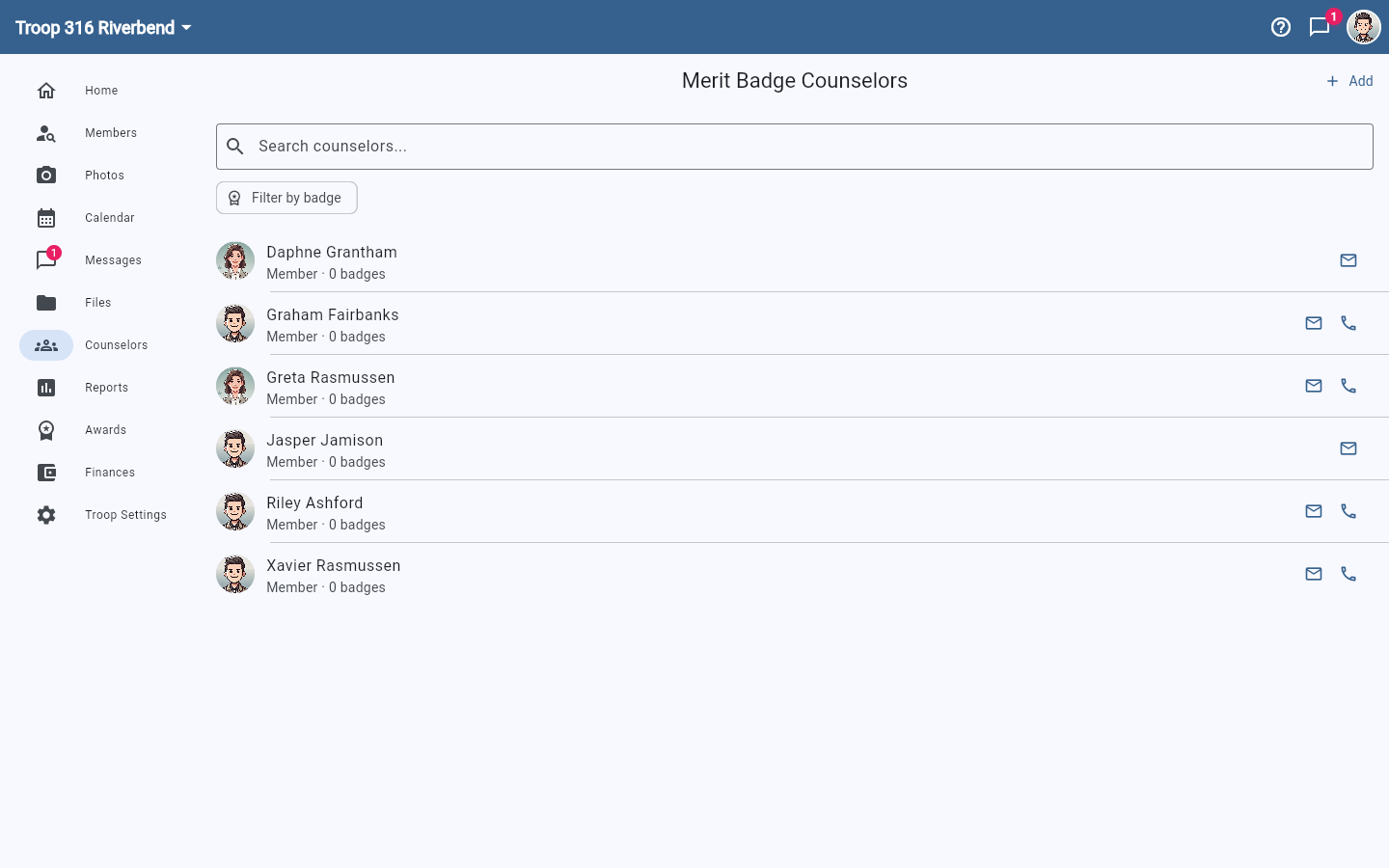
- Tap Counselors in the navigation.
- Search by name, or tap Filter by badge to narrow to a specific merit badge.
- Use the email or phone icon beside a counselor to get in touch.
Add a counselor
- Tap Add in the top right.
- Choose Add from members for someone already on your roster, or Add external counselor for a counselor who is not a member of your unit — a district counselor, for example.
- Pick the badges they counsel. You can search the badge list rather than scrolling it.
Sign off a whole class at once
After teaching a badge to a group, a counselor can mark the same requirements complete for every Scout who was there in one step. See Bulk sign off rank and merit badge requirements.
Counselors only appear for programs with merit badges
The Counselors navigation entry shows up for Scouts BSA units. Cub Scout packs use adventures rather than merit badges, and Venturing crews and Sea Scout ships use their own award structures, so the entry is hidden for them.