 Troop Campfire
Every event has a Planning tab — a place to write down what you are actually going to do for those ninety minutes, and to share it with your other leaders so the plan is not living in one person's notebook.
Create a plan
- Open the event from your Calendar.
- Tap the Planning tab, beside Details and Attendees.
- Tap Create Plan. Campfire starts you off with a standard troop-meeting skeleton — Opening (15 min), Activities (60 min), Closing (15 min) — rather than a blank page.
- Fill in the Activities section with what you are actually teaching, and adjust the opening and closing if your unit runs them differently.
- Tap Save.
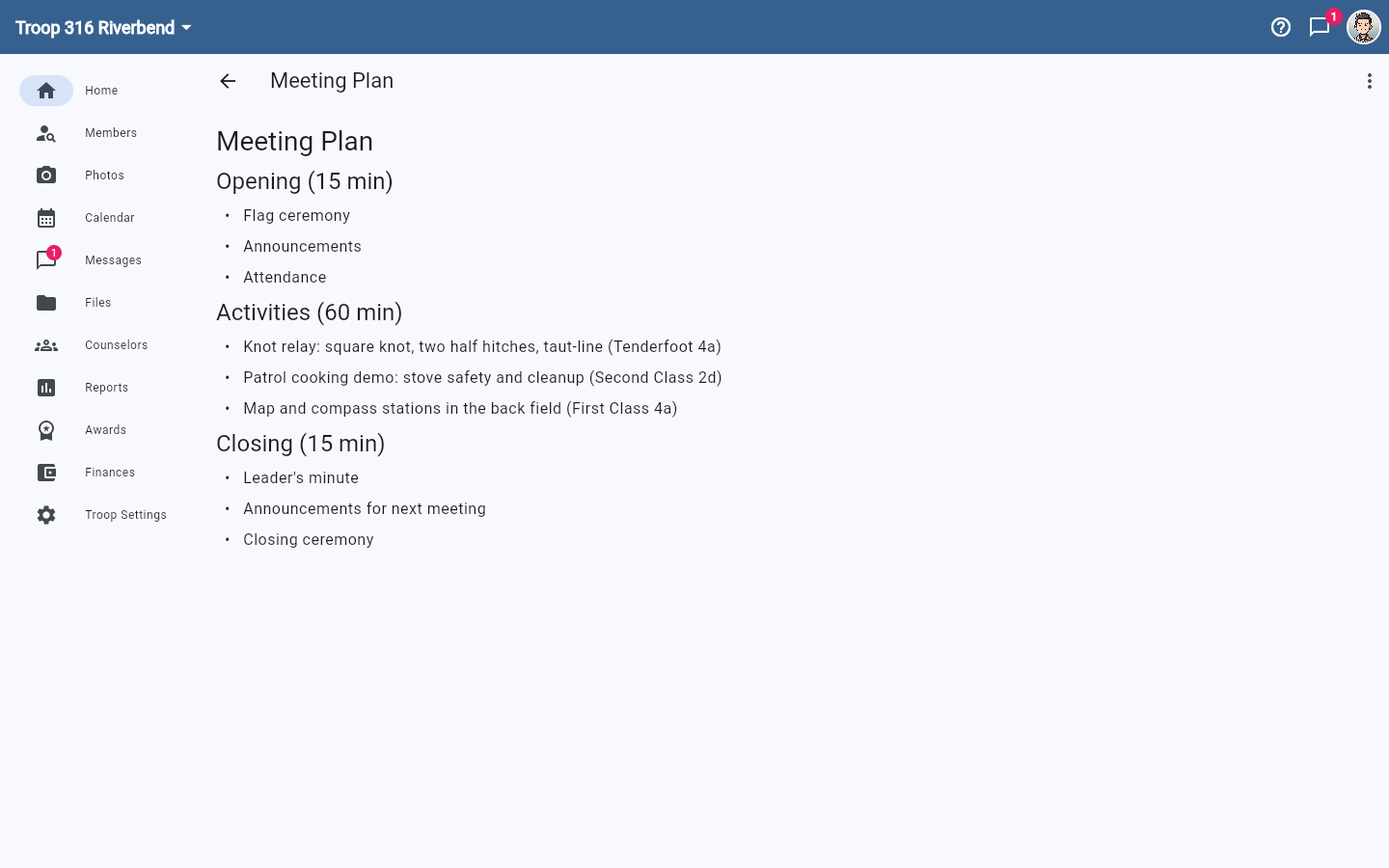
The editor accepts Markdown, so ## starts a section heading and - starts a bullet. You do not need to know that to use it — edit the template you are given and it stays formatted.
Share it with your leaders
Once saved, the plan is attached to the event, so any leader who opens it sees the same agenda. Copy to Clipboard pulls the whole thing out as text if you would rather paste it into an email, print it, or hand it to the Senior Patrol Leader.
Because the plan lives on the event, duplicating an event to future dates is a quick way to reuse a format you like — see Recurring events: copy a meeting to multiple dates.
Write the plan around what your Scouts still need
Before planning a meeting, it is worth glancing at Reports → Rank Requirements to see which requirements most of your Scouts are still missing. Building a meeting around two or three of those turns an ordinary evening into advancement — see Reports.