 Troop Campfire
The weekly digest is one email per family, summarising what is coming up, what they still need to RSVP to, which forms they still need to turn in for events they are going to, what their Scout has recently earned, and any balance they owe. It is the lowest-effort way to keep families current without anyone writing a newsletter. You choose which of those sections go out.
Turn it on for your unit
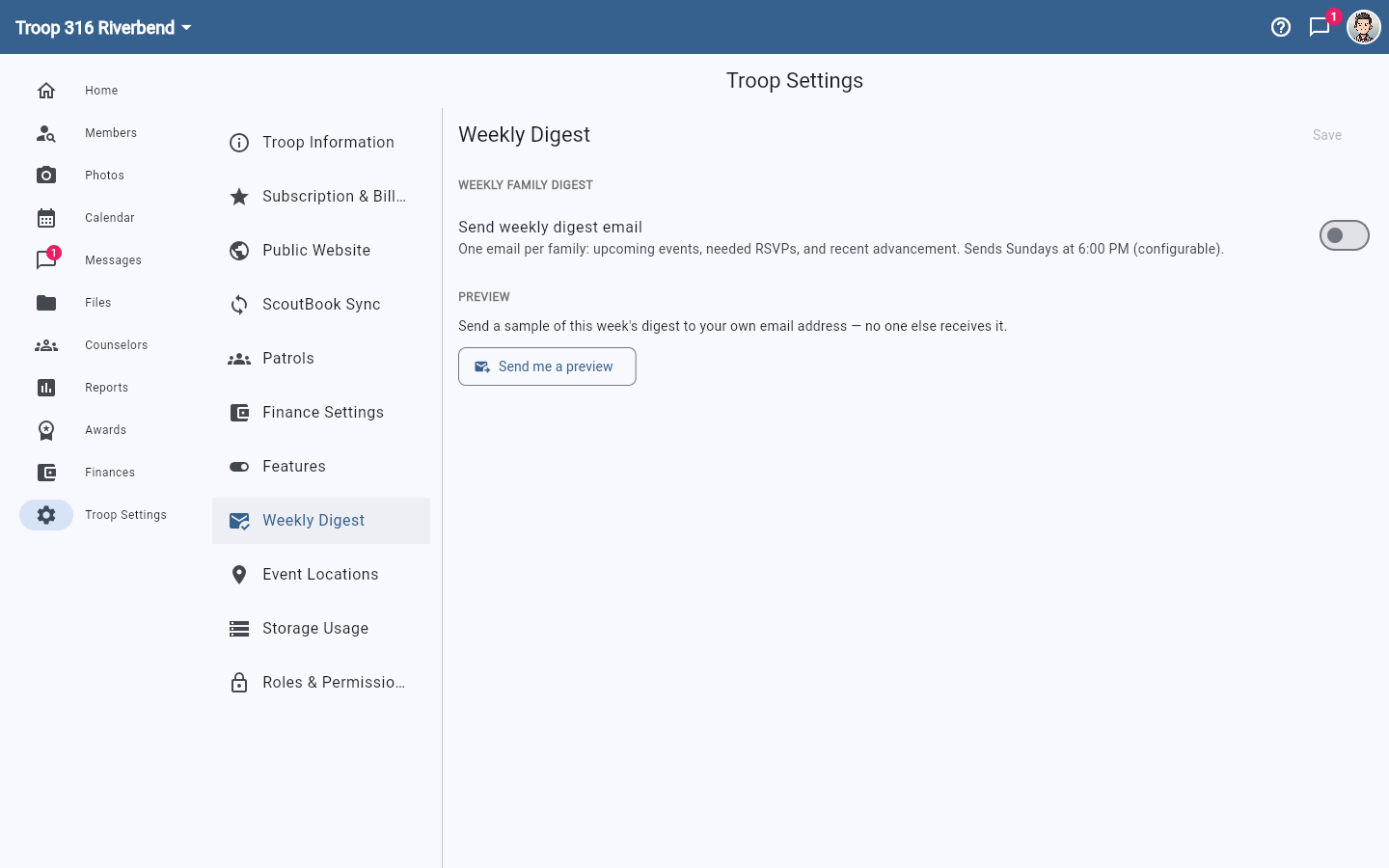
- Tap Account Settings (top right) → Organization → Weekly Digest. On a wide screen, use Troop Settings in the left navigation.
- Turn on Send weekly digest email.
- Choose the Day and Time it goes out. The default is Sunday evening, which lands before the week starts.
- Save.
Choose what goes in the email
Once the digest is on, pick which sections families receive:
- Events that need a response — outstanding RSVPs, shown with a Respond button. Turning this off does not hide those events: they still appear under Upcoming (if that is on), just without the nudge.
- Upcoming events — what's on the calendar in the next two weeks.
- Still needed for events — for each event in the next two weeks that the family is going to, the readiness items nobody has checked off yet: a permission slip, a physical that won't cover the trip, or a custom item such as a code of conduct. It only appears when there is something outstanding. Payments are left to the Family account section.
- Advancement — ranks, badges, and awards that family completed this week. Hidden for generic organizations.
- Family account — the balance they owe, and "Payment due" dates on events. Only shown when financial tracking is on, and the balance line is only sent when they actually owe money.
Every section starts on, and so does any section we add later. Turning off the last remaining section turns the digest itself off, so nobody gets an empty email. Save, then use Send me a preview to see this week's email with your new mix.
See it before your families do
Tap Send me a preview to get a sample of this week's digest at your own email address. Nobody else receives it, so this is safe to use as often as you like — worth doing once before you switch the digest on for the whole unit.
Families can opt out individually
Each member has a Weekly Digest Email toggle under Account Settings → Notifications. Turning the digest on for the unit does not override someone who has switched it off for themselves — see Notification preferences.
One email per family, not per member
The digest is addressed to the family rather than to each person, so a household with two parents and three Scouts gets one email covering all of them — not five.